Manage official social publishing
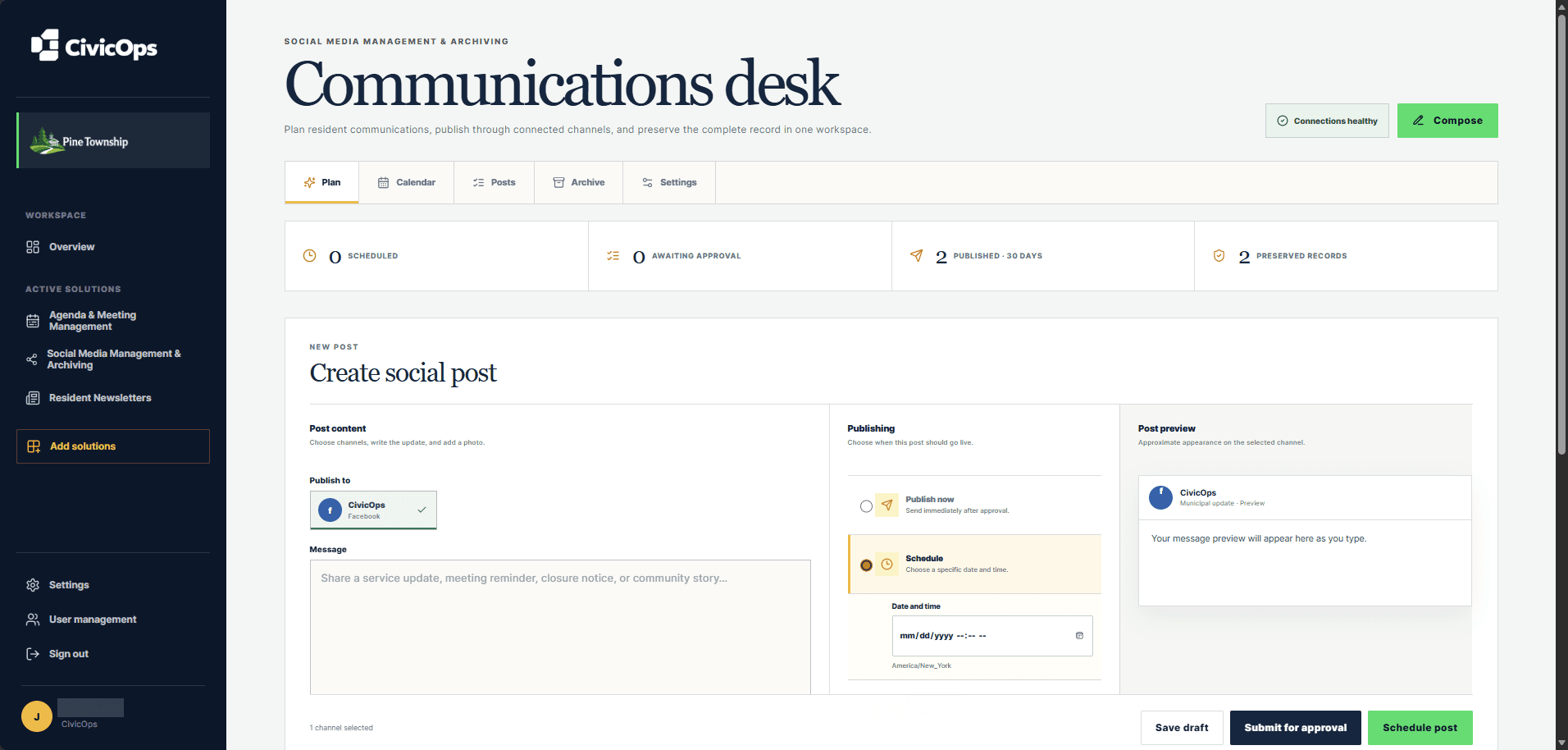
Connect supported official accounts, add media, preview the update, route approval, and publish now or at a scheduled local time.
Explore municipal social media
Local government communications software
Coordinate municipal social media and resident newsletters with one team, shared municipal branding, clear approval responsibility, scheduling, and searchable records history.
Workflows that connect
Connect supported official accounts, add media, preview the update, route approval, and publish now or at a scheduled local time.
Explore municipal social mediaSearch supported captured activity with source details, version history, annotations, tags, and export tools for municipal records work.
Explore social media archivingDesign branded issues, manage consent-aware audiences, schedule approved sends, and keep final issues with delivery evidence.
Explore resident newslettersA calmer municipal workspace
Common questions
Yes. The municipality can save its display name, logo, colors, tagline, and website once and apply that identity across supported CivicOps public outputs.
Yes. Each communications workspace maintains its own approval responsibilities so the municipality can match its actual review process.
Support depends on each provider’s API and the eligibility of the municipality’s official account. The connection settings show the networks currently ready to use.
A practical next step